打造 AIoT 超級大腦 | 用 ESP32 和 TensorFlow Lite Micro 實現邊緣 AI
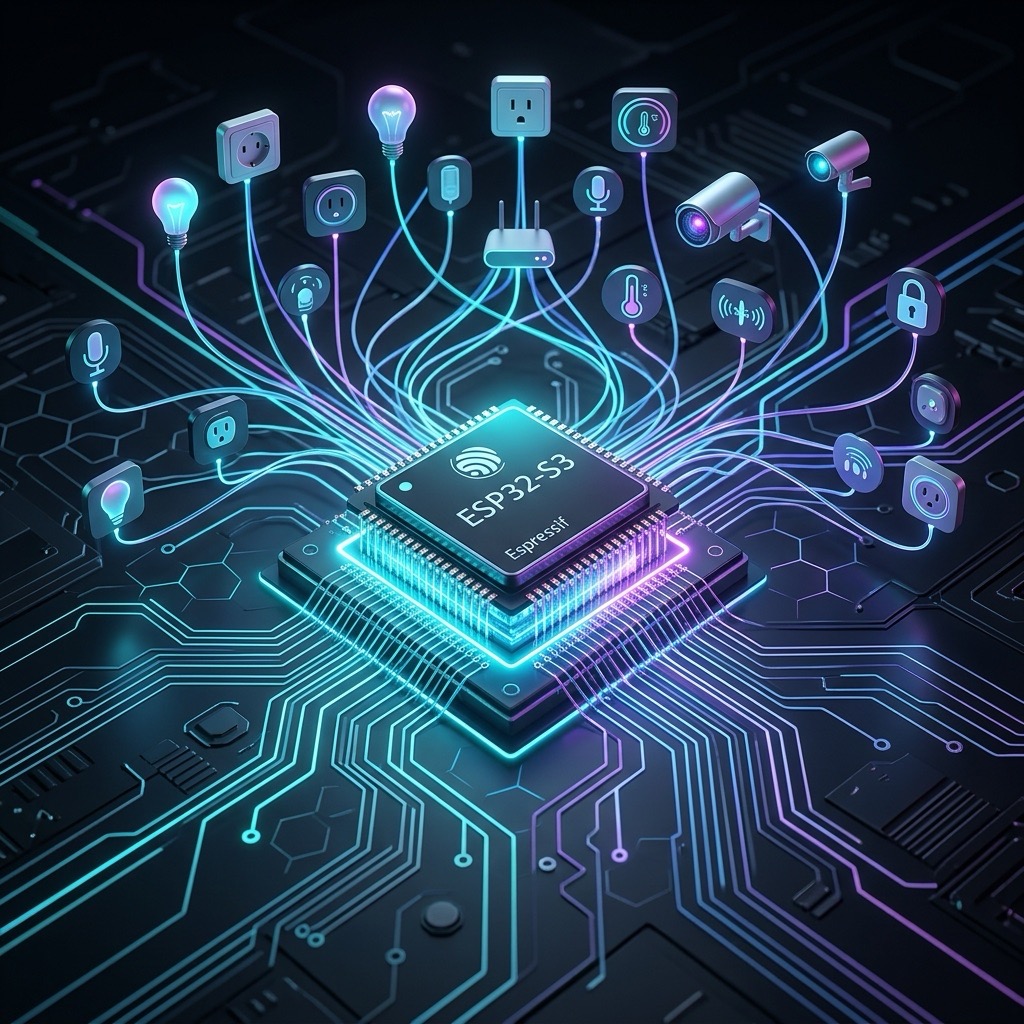
AIoT(人工智慧物聯網)正改變我們的生活,而要讓智慧裝置具備即時判斷能力,「邊緣 AI」成為關鍵技術。邊緣 AI 讓資料不需回傳雲端,能在裝置端即時分析,降低延遲並提升隱私安全。
今天我們就來實戰教學,如何使用 ESP32 搭配 TensorFlow Lite Micro(TFLM),打造屬於你的 AIoT 超級大腦,實現真正的邊緣 AI 應用!

內容
什麼是 AIoT?
AIoT 是「Artificial Intelligence of Things(人工智慧物聯網)」的縮寫,結合了 AI(人工智慧) 和 IoT(物聯網) 兩大技術,讓裝置不只是連網傳資料,更能「自主判斷」與「即時反應」。
舉例來說:
- 傳統 IoT:感測器收集資料 → 傳送到雲端 → 等待伺服器分析 → 回傳結果
- AIoT:感測器收集資料 → 在裝置端即時推論與決策 → 當下回應
AIoT 的應用領域非常廣,包括智慧家居、工業自動化、醫療監控、智慧交通等。而「邊緣 AI」技術正是實現 AIoT 的核心,因為它能讓 AI 演算法直接在裝置端運行,不再依賴雲端,大幅降低延遲並提升效率與隱私。
什麼是 ESP32 與 TFLM?
- ESP32:超強 AIoT 晶片
ESP32 是 Espressif 推出的雙核 Wi-Fi + 藍牙 SoC(系統單晶片),功能強大且低功耗,是現今物聯網設備的熱門選擇。ESP32-S3 版本更加入了 AI 推論加速的向量指令集,讓 TinyML 的應用成為可能。
- TensorFlow Lite Micro:為 MCU 設計的輕量 AI 框架
TensorFlow Lite Micro 是 Google TensorFlow 團隊推出的輕量級 AI 推論框架,專門針對資源有限的微控制器(MCU)設計。它可以讓你將訓練好的機器學習模型,轉換成適合 MCU 運行的格式,直接在 ESP32 上運行,實現無需雲端的 AI 推論。
為什麼選擇 ESP32 和 TFLM?
- 即時運算:減少雲端依賴,降低網路延遲
- 節省成本:省去頻寬與雲端資源費用
- 強大生態:ESP-IDF 與 esp-tflite-micro 官方組件完美整合
- 低功耗:適合電池供電的智慧裝置
- 擴展性強:支援各種感測器與通訊協定
開發環境
在開始編程之前,請確保已完成以下準備工作:
- 安裝 ESP-IDF 開發環境 (至少版本 v5.x 或更高)。
- ESP32 開發板。
AIoT 專案結構
以下示範如何建立一個乾淨的 esp32_tflm_demo AIoT 專案:
esp32_tflm_demo/
├── CMakeLists.txt               ← 頂層 CMake 檔,告訴 IDF 專案在哪裡
├── Makefile                     ← 可省略,僅為相容性存在
├── sdkconfig                    ← build 時自動生成
├── sdkconfig.defaults           ← 可選:預設 config 設定
├── idf_component.yml            ← 宣告元件依賴,如 esp-tflite-micro
│
├── main/                        ← 主應用程式
│   ├── esp32_tflm_demo.cpp.     ← 程式主體,初始化與推論邏輯
│   ├── model_data.h             ← 用 xxd -i 產生的模型 C 陣列
│   └── CMakeLists.txt           ← 註冊元件與依賴的設定
│
├── managed_components/          ← v5.x 從這裡下載元件(自動產生)
│   └── espressif__esp-tflite-micro/
│       └── tensorflow/
│           └── lite/
│               ├── micro/
│               ├── schema/
│               └── ...
│
├── build/                       ← 執行 build 後產生的建構輸出
└── components/                  ← 可選:你自定義的本地組件會放這裡
環境準備
- 安裝 ESP-IDF
ESP-IDF 是 ESP32 的官方開發框架,請參考 ESP-IDF 官方教學 完成安裝。
git clone --recursive https://github.com/espressif/esp-idf.git
cd esp-idf
./install.sh
. ./export.sh- 新建專案並加入 esp-tflite-micro
idf.py create-project esp32_tflm_demo
cd esp32_tflm_demo
idf.py add-dependency "espressif/esp-tflite-micro=*"- 修改
main/CMakeLists.txt加入組件依賴
idf_component_register(
    SRCS "main.c"
    INCLUDE_DIRS "."
    REQUIRES esp-tflite-micro
)
Code
以下是一個簡單的 TFLM 推論範例,模擬兩個浮點數輸入並輸出判斷結果:
#include "esp_log.h"
#include "tensorflow/lite/micro/micro_interpreter.h"
#include "tensorflow/lite/micro/micro_mutable_op_resolver.h"
#include "tensorflow/lite/schema/schema_generated.h"
#include "tensorflow/lite/version.h"
#include "model_data.h"  // Model data in C array format (generated from .tflite using xxd)

static const char *TAG = "TFLM_DEMO";

// Allocate memory for tensors (working memory for TFLM)
constexpr int tensor_arena_size = 8 * 1024;
static uint8_t tensor_arena[tensor_arena_size];

void app_main(void) {
    ESP_LOGI(TAG, "Starting TensorFlow Lite Micro");

    // Load the model from the compiled array
    const tflite::Model* model = tflite::GetModel(g_model_tflite);
    if (model->version() != TFLITE_SCHEMA_VERSION) {
        ESP_LOGE(TAG, "Model schema version mismatch");
        return;
    }

    // Register the necessary operators used in the model
    tflite::MicroMutableOpResolver<4> resolver;
    resolver.AddFullyConnected();
    resolver.AddRelu();
    resolver.AddLogistic();

    // Create the interpreter
    tflite::MicroInterpreter interpreter(model, resolver, tensor_arena, tensor_arena_size);
    if (interpreter.AllocateTensors() != kTfLiteOk) {
        ESP_LOGE(TAG, "Tensor allocation failed");
        return;
    }

    // Get pointers to the model's input and output tensors
    TfLiteTensor* input = interpreter.input(0);
    TfLiteTensor* output = interpreter.output(0);

    // Run inference in a loop
    while (1) {
        // Generate two random input values between 0.0 and 1.0
        float x1 = (float)(rand() % 100) / 100.0f;
        float x2 = (float)(rand() % 100) / 100.0f;

        // Assign inputs to the model
        input->data.f[0] = x1;
        input->data.f[1] = x2;

        // Perform inference
        if (interpreter.Invoke() != kTfLiteOk) {
            ESP_LOGE(TAG, "Inference failed");
            continue;
        }

        // Read the prediction result
        float pred = output->data.f[0];
        ESP_LOGI(TAG, "Input: %.2f, %.2f, Prediction: %.3f", x1, x2, pred);

        // Delay for readability
        vTaskDelay(pdMS_TO_TICKS(2000));
    }
}
使用 Python + TensorFlow 建立簡單模型
產生一個「訓練簡單模型 → 轉成 .tflite → 準備給 ESP32」的示範。
打開終端機或命令提示字元,執行:
pip install tensorflow numpy撰寫並執行 Python 程式:train_and_convert.py
import tensorflow as tf
import numpy as np

# 1. Prepare data (XOR problem, ideal for microcontrollers)
X = np.array([[0,0], [0,1], [1,0], [1,1]], dtype=np.float32)
y = np.array([[0], [1], [1], [0]], dtype=np.float32)

# 2. Build a simple neural network model
model = tf.keras.Sequential([
    tf.keras.layers.Input(shape=(2,)),            # Input layer with 2 features
    tf.keras.layers.Dense(4, activation='relu'),  # Hidden layer with 4 neurons and ReLU
    tf.keras.layers.Dense(1, activation='sigmoid') # Output layer with 1 neuron and sigmoid
])

# 3. Compile the model with optimizer, loss function, and metrics
model.compile(optimizer='adam',
              loss='binary_crossentropy',
              metrics=['accuracy'])

# 4. Train the model on XOR data
model.fit(X, y, epochs=100, verbose=0)

# 5. Convert the trained Keras model to TensorFlow Lite format
converter = tf.lite.TFLiteConverter.from_keras_model(model)
tflite_model = converter.convert()

# 6. Save the converted model to a .tflite file
with open("model.tflite", "wb") as f:
    f.write(tflite_model)

print("Model successfully saved as model.tflite")
執行後會產生 model.tflite 檔案。
直接在 macOS 的 Terminal(終端機)中執行
xxd -i model.tflite > model_data.h這會把你的 TensorFlow Lite 模型 .tflite 檔案,轉換成可在 C/C++ 中使用的陣列格式,並輸出成 model_data.h。
注意 TensorFlow 版本
在開始之前,請確保你的 TensorFlow 版本與範例相容。建議使用 TensorFlow 2.15.0 版本,避免因版本差異導致模型轉換或執行錯誤。你可以透過以下指令安裝指定版本:
pip uninstall tensorflow -y
pip install tensorflow==2.15.0
使用正確版本的 TensorFlow,有助於順利完成模型訓練與轉換,並確保在 ESP32 TensorFlow Lite Micro 上運行時不會發生版本不匹配的問題。
編譯和燒錄
完成程式碼後,您可以使用 ESP-IDF 提供的命令進行編譯、燒錄和監控。
在 VS Code 的左下角 ESP-IDF 工具列:
- 點選 Build project
- 點選 Flash device
- 點選 Monitor device
程式啟動後,可以從 ESP_Log 查看輸出結果 :
I (282) TFLM_DEMO: Starting TensorFlow Lite Micro
I (282) TFLM_DEMO: Input: 0.33, 0.43, Prediction: 0.422
I (2282) TFLM_DEMO: Input: 0.62, 0.29, Prediction: 0.434
I (4282) TFLM_DEMO: Input: 0.00, 0.08, Prediction: 0.522
I (6282) TFLM_DEMO: Input: 0.52, 0.56, Prediction: 0.374
I (8282) TFLM_DEMO: Input: 0.56, 0.19, Prediction: 0.465
I (10282) TFLM_DEMO: Input: 0.11, 0.51, Prediction: 0.436
I (12282) TFLM_DEMO: Input: 0.43, 0.05, Prediction: 0.519
I (14282) TFLM_DEMO: Input: 0.08, 0.93, Prediction: 0.366
I (16282) TFLM_DEMO: Input: 0.30, 0.66, Prediction: 0.385
I (18282) TFLM_DEMO: Input: 0.69, 0.32, Prediction: 0.422
I (20282) TFLM_DEMO: Input: 0.17, 0.47, Prediction: 0.436
I (22282) TFLM_DEMO: Input: 0.72, 0.68, Prediction: 0.329
I (24282) TFLM_DEMO: Input: 0.80, 0.23, Prediction: 0.441
結論
透過 TensorFlow Lite Micro,我們成功將一個訓練好的神經網路模型部署到資源有限的 ESP32 上,實現真正的邊緣 AI 推論。整個流程從模型訓練、轉換為 .tflite、嵌入為 C 陣列,再到使用 esp_log 列印預測結果,全程不依賴任何外部感測器或雲端資源,是 AIoT 開發的絕佳入門範例。
這不只是展示技術可能,更象徵著「AI for everyone, everywhere」的精神。現在,你只需要一塊 ESP32 和一點熱情,就能開始打造你的 AIoT 超級大腦!
如果你準備好了,下一步可以試試加入感測器、網路連線或實作你的自訂模型,讓 ESP32 不只是會運算,更會「思考」。